Kawan
Mental-health and self-development platform
1st Runner-Up & Best Poster Award, UIU CSE Project Show, Fall 2024
- Role
- Full-stack developer
- Type
- Web app + admin panel
- Status
- Live
Overview
The problem
Many people, especially students, feel stress and anxiety but don't seek help, because professional support is expensive or they feel shy to ask for it.
The solution
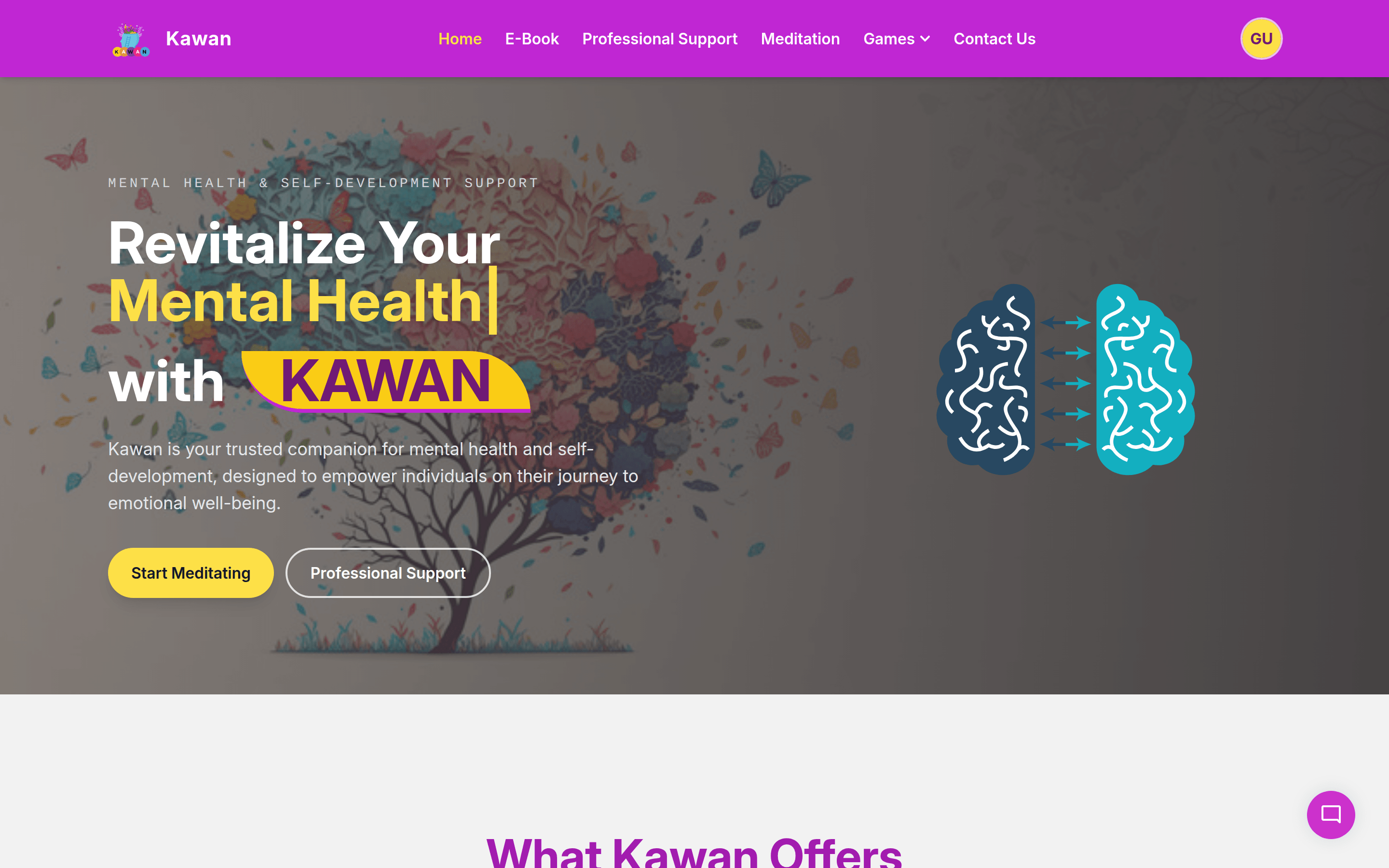
Kawan puts support in one place: an AI chatbot to talk to any time, self-help tools such as a mood check, meditation, e-books and health tracking, and live video counselling sessions with mental-health professionals.
My role
Built the full stack: the React user app, the React admin panel, the Express API and MongoDB design, the live video integration, and the deployment of all three apps.
Key features
- AI chatbot powered by Google Gemini, called from the server so the API key never reaches the browser
- Mood check with face detection that runs entirely in the browser, so no camera image leaves the device
- Live video counselling: create or join a session by meeting ID, with camera and mic controls, chat, screen share, and live streaming
- Professional verification: professionals register and apply, and admins review and approve them in the admin panel
- E-books and audiobooks that can be read and listened to inside the app
- Health and nutrition tools: BMI and calorie calculators, meal tracking, goals, and progress tracking
- Guided meditation with a breathing animation and custom timer, plus stress-relief games
Demo video
Screenshots
Select a screenshot to view it full size.
Architecture
Two apps, one API, and four services. Users and admins each have their own React app. Both sign in with Firebase and call one Express API, which stores data in MongoDB and calls Gemini. Live video goes straight from the browser to VideoSDK; the API only signs the join token. Select a part to see what it does and what it connects to.
React 18 + Vite
User app
The app users and professionals use: chatbot, mood check, e-books, health tools, meditation, games, and live video sessions.
- Around 25 routes with React Router
- Calls the API for data, the chatbot, and video tokens
- Joins video sessions directly with VideoSDK
Connects to
Challenges
Keeping the video secret off the browser
Problem
The VideoSDK token was first stored in the frontend environment. Vite builds those values into the JavaScript bundle, so anyone could read it, and when the token expired, meetings stopped working until a redeploy.
Solution
Token signing moved to the server, which keeps the API key and secret private and issues a fresh token valid for two hours, with join permission only, every time a user creates or joins a meeting.
Wrong meeting IDs failed silently
Problem
Typing an invalid meeting ID made the app fail without a message, or crash.
Solution
Before joining, the app validates the room with VideoSDK and shows a clear message for an invalid ID or an expired token.
Camera and microphone permissions
Problem
Browsers only allow the camera on HTTPS, users can deny permission, and many people have more than one camera or microphone.
Solution
A joining screen asks for permission, lists the available devices, lets the user pick them, and shows a preview. If permission is denied, it explains why instead of showing a black screen.
Deploying three apps that talk to each other
Problem
After deploying to Vercel, the apps couldn't reach the API because of CORS and hard-coded server URLs.
Solution
The server reads its allowed origins from an environment variable and the apps read the server URL from theirs, redeploying after changes because Vite builds them in.
Key decisions
VideoSDKoverRaw WebRTC
Raw WebRTC needs signalling, STUN/TURN, and media servers. VideoSDK provides them as a service, with React hooks, chat, and live streaming built in.
AI calls on the serveroverCalling Gemini from the browser
Keeps the API key secret and gives one place to add rate limits and fallback models.
Mood check in the browseroverUploading images to a server
face-api.js runs the model on the device, so camera images never leave it; only the mood label is shared, and only if the user chooses.
VideoSDK PubSuboverA separate Socket.IO server
In-meeting chat, raise hand, and reactions reuse the video connection, so there is no extra real-time server to build, host, and scale.
Results and learnings
Outcome
- 1st Runner-Up and Best Poster Award at the UIU CSE Project Show, Fall 2024
- The project presentation video reached 14,000+ views on Facebook. Watch on Facebook
- Three apps live on Vercel: the user app, the admin panel, and the API
- Live video sessions with chat, screen share, raise hand, reactions, and live streaming
- A REST API with 36 routes over 10 MongoDB collections
What I learned
- Never put secrets in frontend environment variables; sign tokens on the backend.
- Validate user input, such as meeting IDs, and show friendly errors instead of failing silently.
- Reading SDK documentation and sample projects carefully, then adapting them to your own app, saves a lot of time.